Upload AVIF files
Select one or multiple AVIF images from your device.
 WEBP/TOOLS
IMAGE CONVERTER
Convert AVIF images to JPG or JPEG for free. Adjust image quality, choose a background color for transparent AVIF files, and batch convert images directly in your browser. No uploads or signup required.
Drop AVIF images here
or choose files from your device
UP TO 50 FILES · 50 MB EACH · 250 MB PER BATCH · IMAGES UP TO 40 MEGAPIXELS
THREE QUICK STEPS
Select one or multiple AVIF images from your device.
Choose JPG quality and a background color for transparent images.
Convert each image, then save files individually or in a ZIP archive.
REAL CONVERSION OUTPUT
These JPGs are created by this converter in your browser. See the actual JPG file size for each setting.
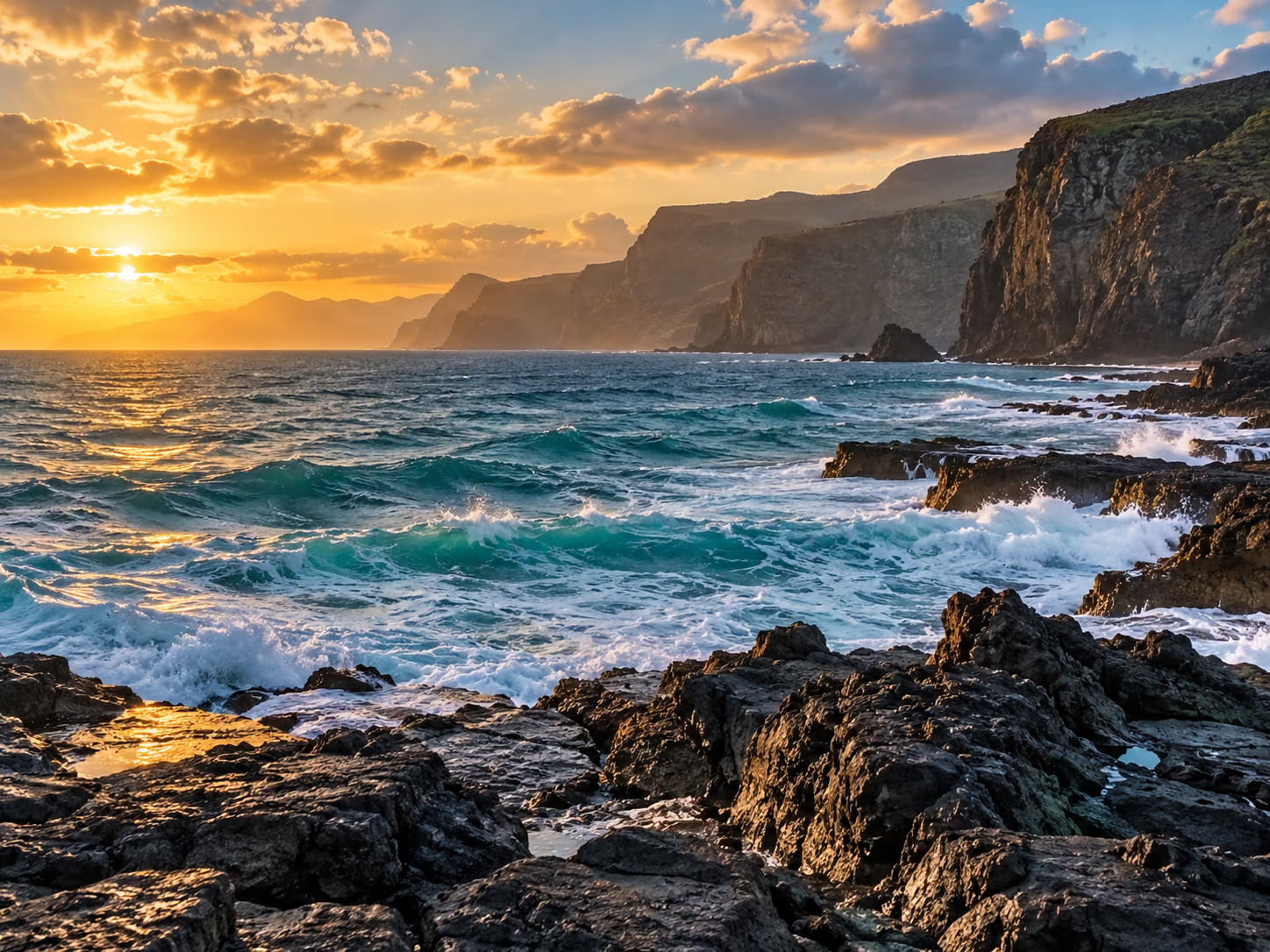
Smaller File · 60. For thumbnails and size-sensitive uploads.
High Quality · 85. The default balance for everyday photos.
Maximum Quality · 95. For visible detail when file size is less important.

White background. A safe choice for documents and light interfaces.
Black background. Useful when the finished image sits on a dark surface.
Custom blue background. The selected background becomes part of the JPG.
CONVERT MANY FILES
Convert multiple AVIF images to JPG in a single batch. Keep your original filenames, apply one set of JPG settings, and download files individually or together as a ZIP archive.
QUALITY CONTROL
JPG uses lossy compression. Higher settings generally preserve more visible detail and produce larger files; AVIF detail already lost in the source cannot be recovered.
Use when visual detail is more important than file size.
The default choice for photos and everyday conversion.
A practical middle ground for general uploads and sharing.
Useful for thumbnails and size-sensitive destinations.
JPG HAS NO TRANSPARENCY
AVIF can contain transparent pixels, while standard JPG cannot. Choose white, black, or a custom colour before converting, so transparent areas are filled exactly as you expect.
Use our AVIF to PNG Converter instead.
FORMAT COMPARISON
AVIF is a newer, efficient image format. JPG is a widely compatible choice for photos, sharing, and upload forms that do not accept AVIF.
WHEN TO CONVERT
Convert when a design tool, photo editor, or CMS cannot open AVIF files.
Use JPG for job portals, marketplace listings, email attachments, and upload forms that reject AVIF.
Send a broadly recognised image file when recipients may not have AVIF support.
JPG saves one still image. Some advanced colour, HDR, and file details may change during conversion.
PRIVATE BY DESIGN
Your AVIF images are processed directly in your browser. Files do not need to be uploaded to our servers, so they stay on your device throughout conversion.
RELATED IMAGE CONVERTERS
GOOD TO KNOW
Yes. The converter is free to use and does not require an account or signup.
Upload AVIF files, choose a JPG quality and background color, convert, then download each JPG or all successful files as a ZIP.
Yes. JPG and JPEG are two names for the same image format.
Yes. Add up to 50 AVIF files, apply one set of JPG settings to the batch, and download successful files together as a ZIP.
JPG uses lossy compression. Higher quality settings usually preserve more visible detail but create a larger file. Conversion cannot recover detail already lost in an AVIF source.
Start with 85 for most photos. Choose 95 when visible detail matters more than file size, 75 for general sharing, or 60 for thumbnails and size-sensitive uploads.
JPG does not support transparency. This tool fills transparent pixels with white, black, or your chosen custom background color.
AVIF is often more compression-efficient than JPG. A high-quality JPG can therefore be larger than its AVIF source.
No. Conversion takes place in your browser and images are not uploaded to our servers.
JPG files are still images. If your browser can open an animated AVIF, this tool saves one frame instead of an animation.
Some browsers cannot open every type of AVIF file. To keep conversion reliable on your device, images are limited to 40 megapixels each and 80 megapixels per batch.